解决百度UMeditor富文本编辑器修改图片大小有误问题
### 问题复现
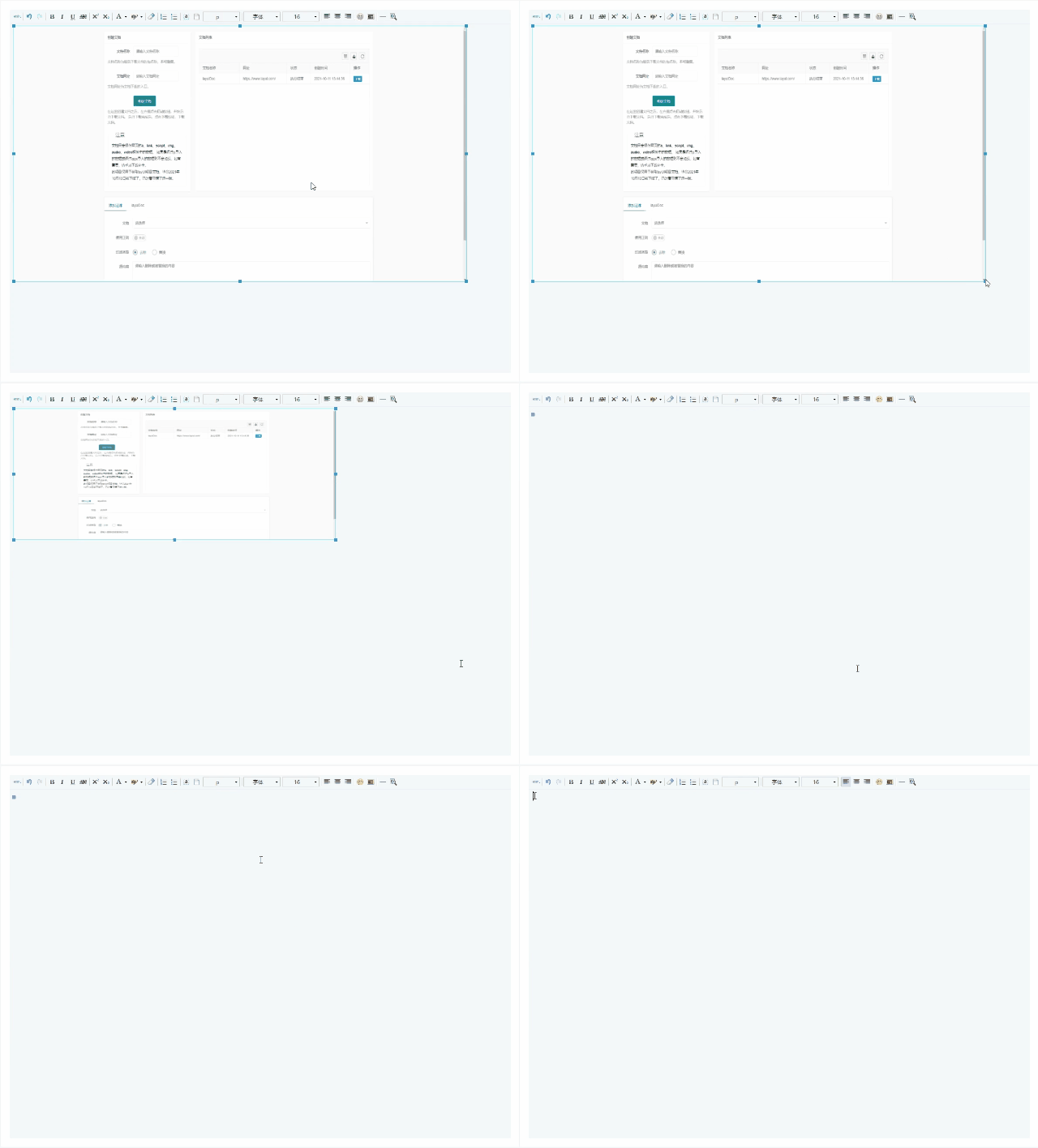
使用百度UMeditor上传图片后,调整图片大小时,不听话。
你让它变小一点,它变小很多,你让他变大,它反而变小。变了几下,直接变没了。
实在是太难了,气的人想砸电脑!!!
### 问题解决
修改`umeditor.js`文件中的代码。
#### 8894行
原代码
```JavaScript
me.root().css({
position: 'absolute',
width: $obj.width(),
height: $obj.height(),
left: imgPos.left - posObj.left - parseInt($wrap.css('border-left-width')) - parseInt($root.css('border-left-width')),
top: imgPos.top - posObj.top - parseInt($wrap.css('border-top-width')) - parseInt($root.css('border-top-width'))
});
```
修改后
```JavaScript
me.root().width($obj.width());
me.root().height($obj.height());
me.root().css({
position: 'absolute',
left: imgPos.left - posObj.left - parseInt($wrap.css('border-left-width')) - parseInt($root.css('border-left-width')),
top: imgPos.top - posObj.top - parseInt($wrap.css('border-top-width')) - parseInt($root.css('border-top-width'))
});
```
#### 8816行
原代码
```JavaScript
$target.css({width: $root.width(), height: $root.height()});
```
修改后
```JavaScript
$target.width($root.width());
$target.height($root.height());
```
#### 8843行
原代码
```JavaScript
if (rect[dir][2] != 0) {
tmp = $dom.width() + rect[dir][2] * offset.x;
$dom.css('width', me._validScaledProp('width', tmp));
}
if (rect[dir][3] != 0) {
tmp = $dom.height() + rect[dir][3] * offset.y;
$dom.css('height', me._validScaledProp('height', tmp));
}
```
修改后
```JavaScript
if (rect[dir][2] != 0) {
tmp = $dom.width() + rect[dir][2] * offset.x;
$dom.width(me._validScaledProp('width', tmp));
}
if (rect[dir][3] != 0) {
tmp = $dom.height() + rect[dir][3] * offset.y;
$dom.height(me._validScaledProp('height', tmp));
}
```
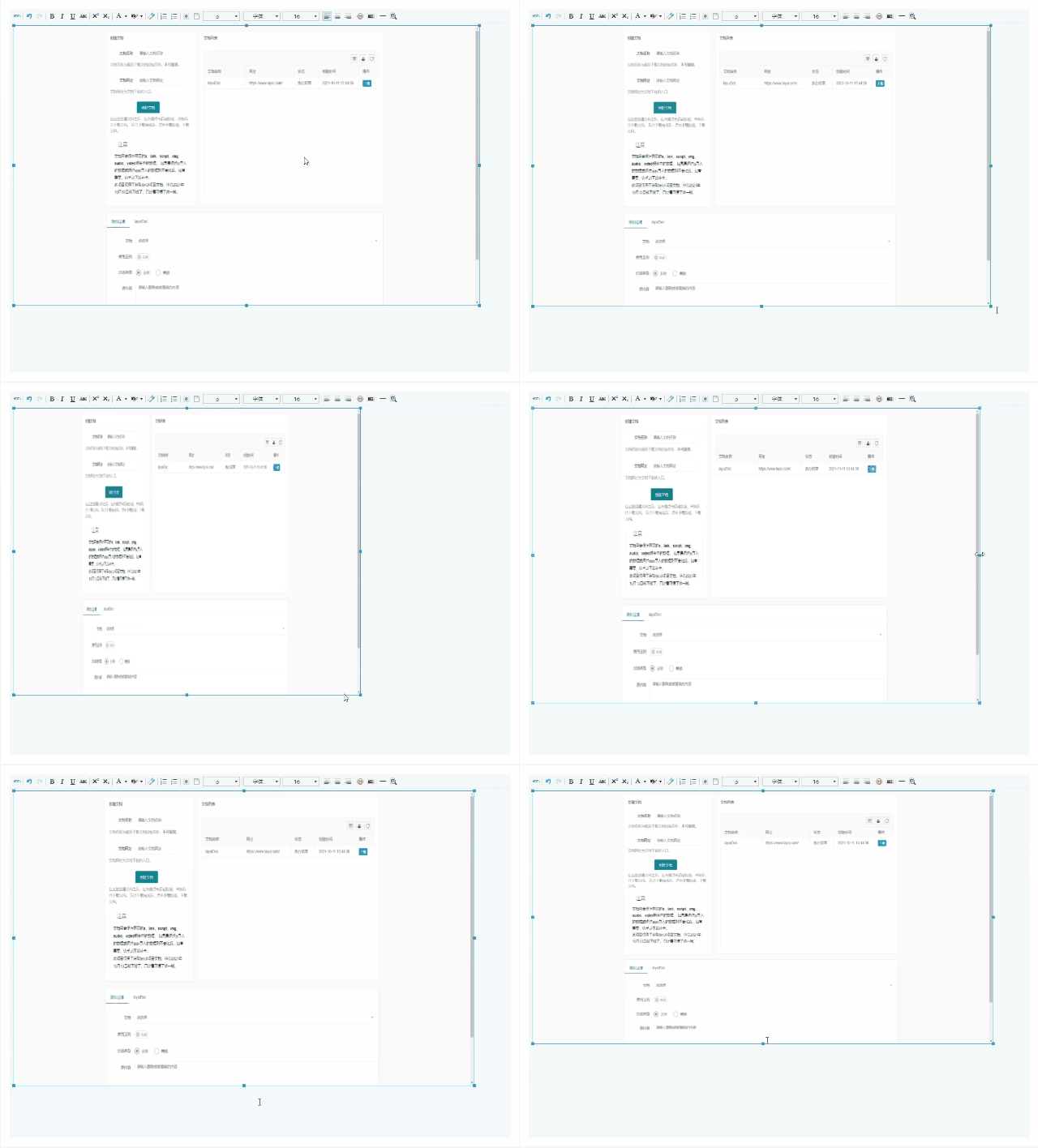
修改后刷新页面即可看到效果。
> 注意检查引入js为 `umeditor.js`,而 **不是**压缩版的`umeditor.min.js`
#### 保留宽高比
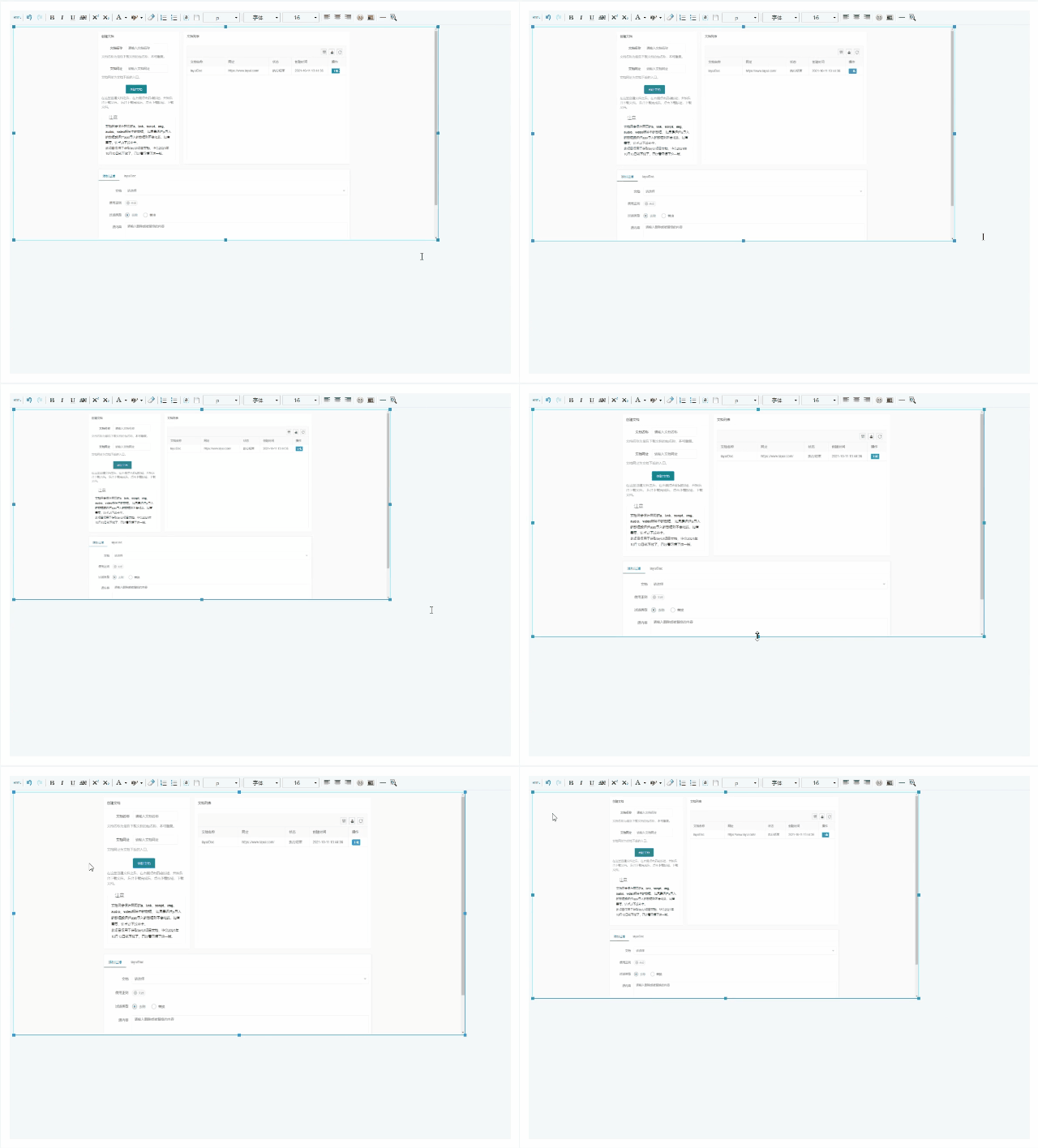
如果想在拖动四个角时,保留原图片的宽高比,则**8843行**可以修改为这样。
```JavaScript
if (rect[dir][2] != 0) {
// 计算宽高比
let scale = ($dom.width()/$dom.height()).toFixed(4);
tmp = $dom.width() + rect[dir][2] * offset.x;
$dom.width(me._validScaledProp('width', tmp));
if ([0,2,5,7].includes(parseInt(dir))) {
// 拖动四个角时锁定宽高比
$dom.height($dom.width() / scale);
}
}
if (rect[dir][3] != 0) {
let scale = ($dom.width()/$dom.height()).toFixed(4);
tmp = $dom.height() + rect[dir][3] * offset.y;
$dom.height(me._validScaledProp('height', tmp));
if ([0,2,5,7].includes(parseInt(dir))) {
$dom.width($dom.height() * scale);
}
}
```
修改后效果
### 问题原因
主要是因为 JQuery 在设置宽高的方法不同。
如果使用 `$dom.css('height', height);` 则height需要带单位,如:`200px`。
而使用 `$dom.height(height);` 则不需要,height直接设置数量就行,如 `200`。
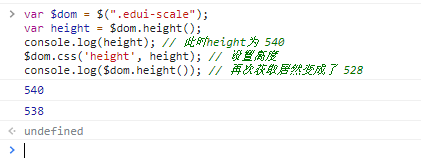
这里的问题就是,通过 `$dom.css('height', height);` 设置了高之后,在通过 `$dom.height()` 获取,height 值就发生了变化,试运行一下代码:
```JavaScript
// 获取拖动图片的框
var $dom = $(".edui-scale");
var height = $dom.height();
console.log(height); // 此时height为 540
$dom.css('height', height); // 设置高度
console.log($dom.height()); // 再次获取居然变成了 538
```
当然宽度 width 也是如此。
这就是导致我们不过拖大还是拖小,图片都在缩小,知道最后变没的直接原因。
> 也有可能和jQuery版本有关,我的jQuery版本:v2.1.1